Hometown Ticketing Access and Transfer

The WIBN has moved its events to a new platform that provides our members with the ease of electronic tickets and ticket transfers.
Not only can you find our upcoming events on our “Events” page, but you can also find them in your Member Portal as well as on the WIBN Hometown Ticketing page.
Access your Tickets
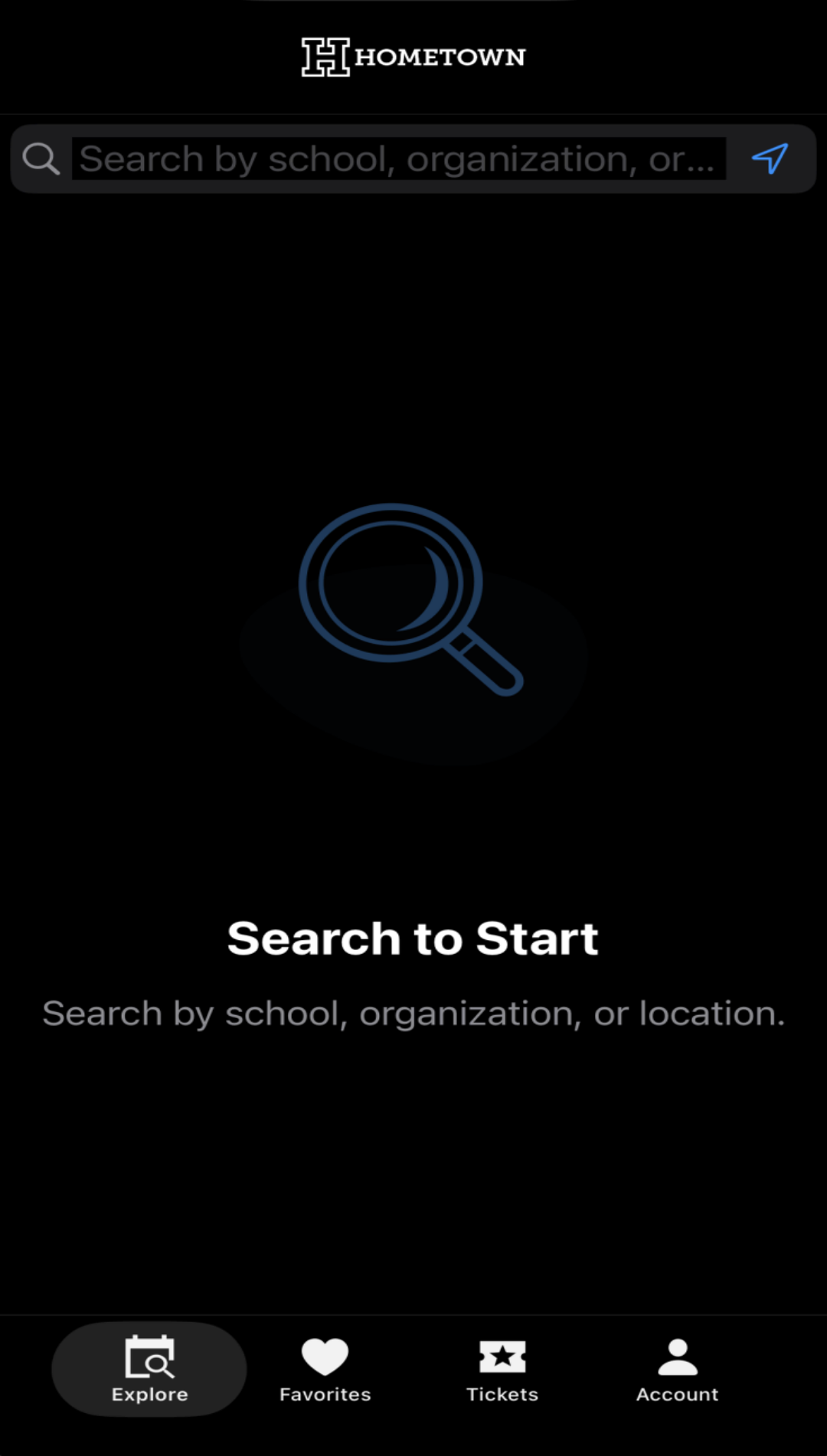
To access your event tickets right from your phone, download the “Hometown Fan” app from the App Store or Google Play.
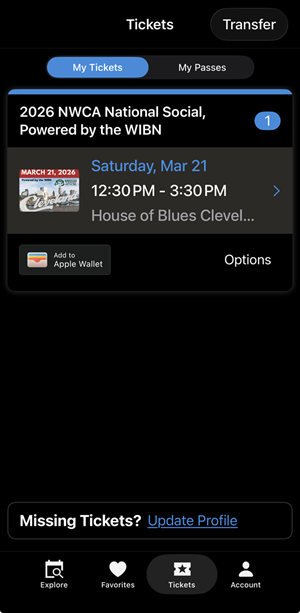
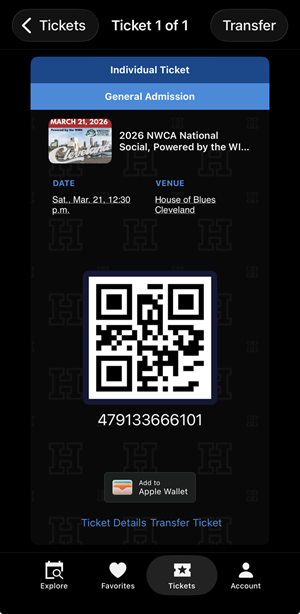
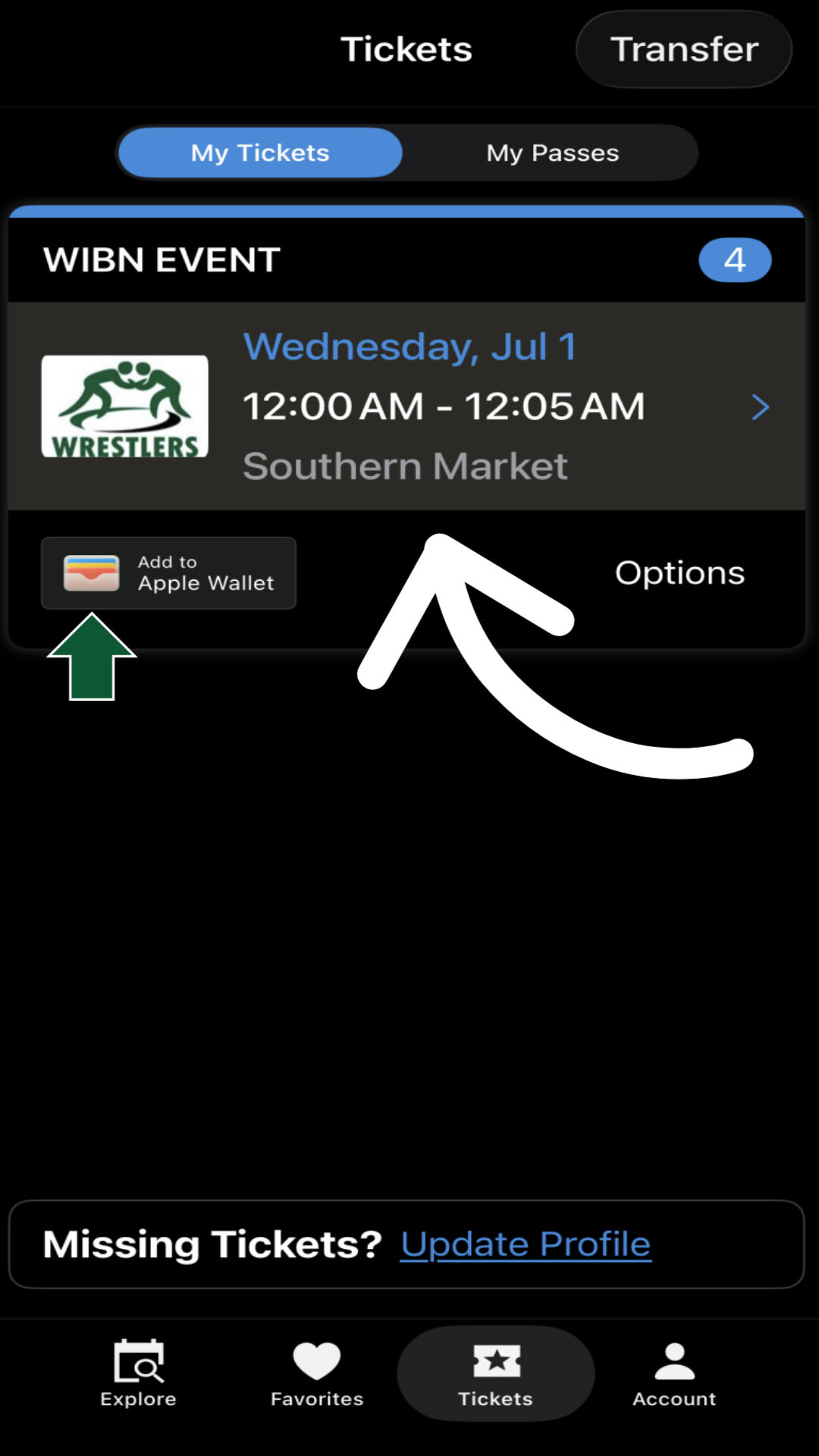
This will be your hub for all WIBN event tickets. Here is where you will be able to view your tickets, transfer your tickets to family and friends and event add your ticket to your Apple or Google Wallet to access your ticket to present at the event. Tickets (qr code below) will be scanned to enter the event.
Transfer Your Tickets
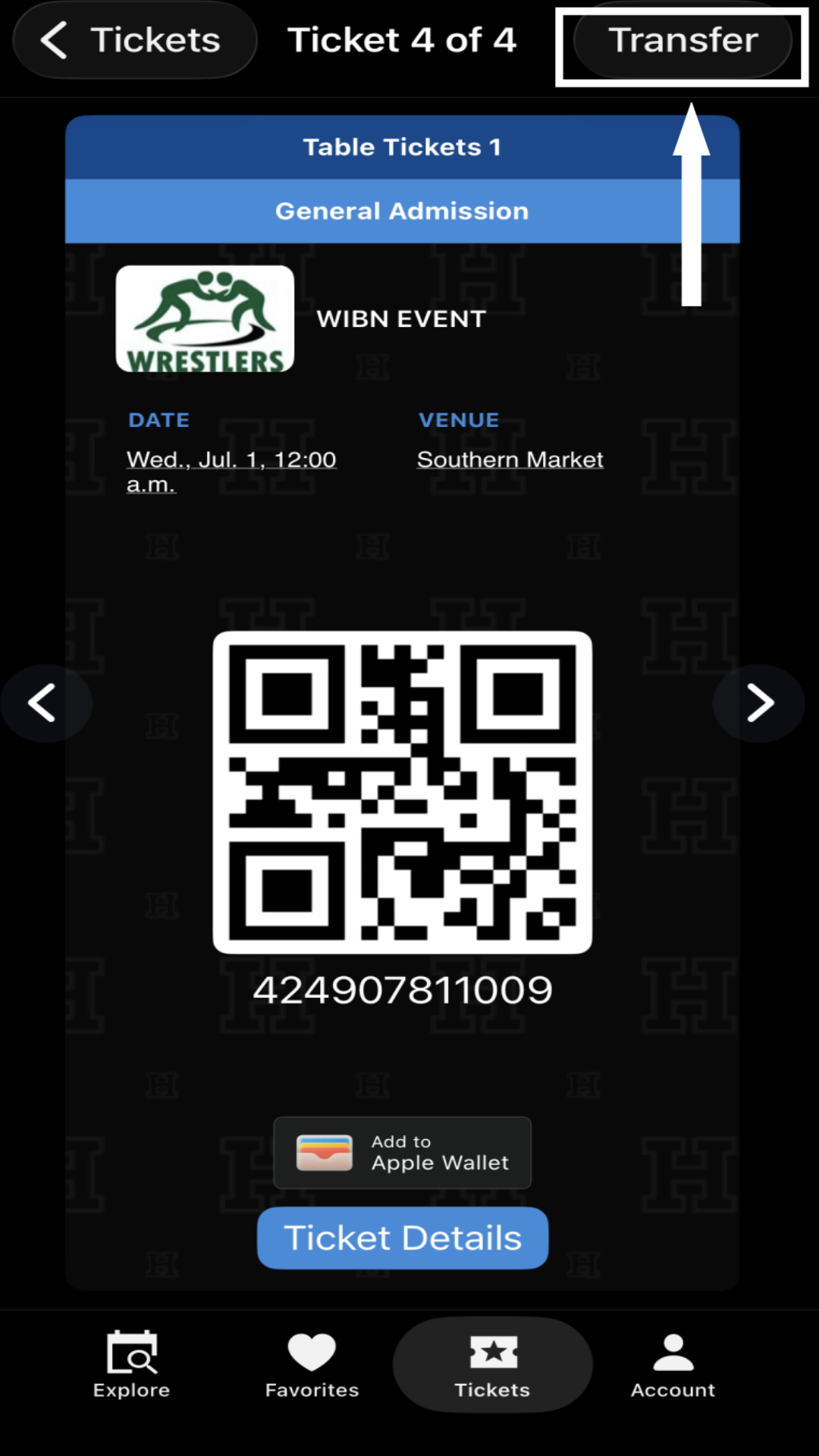
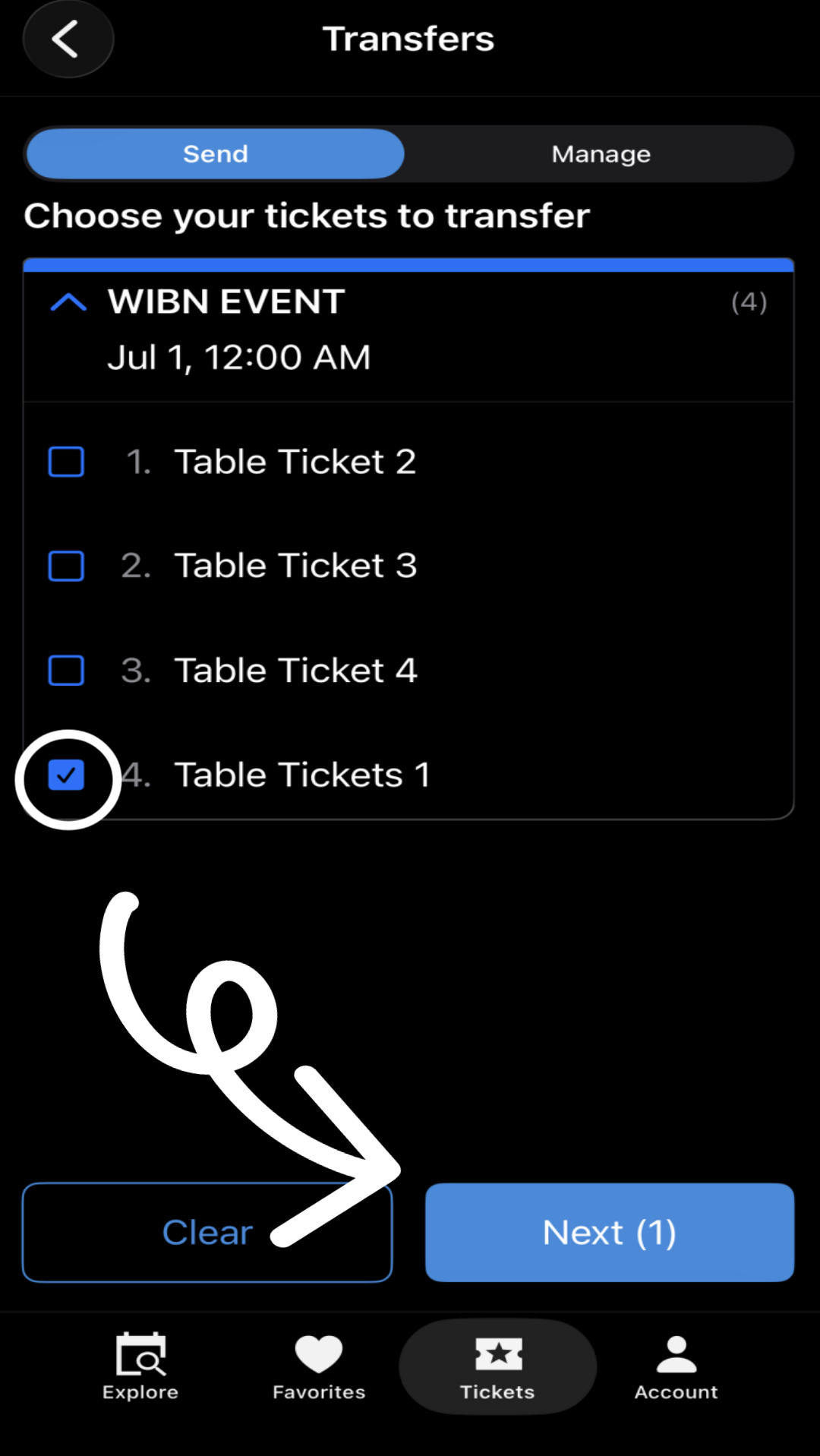
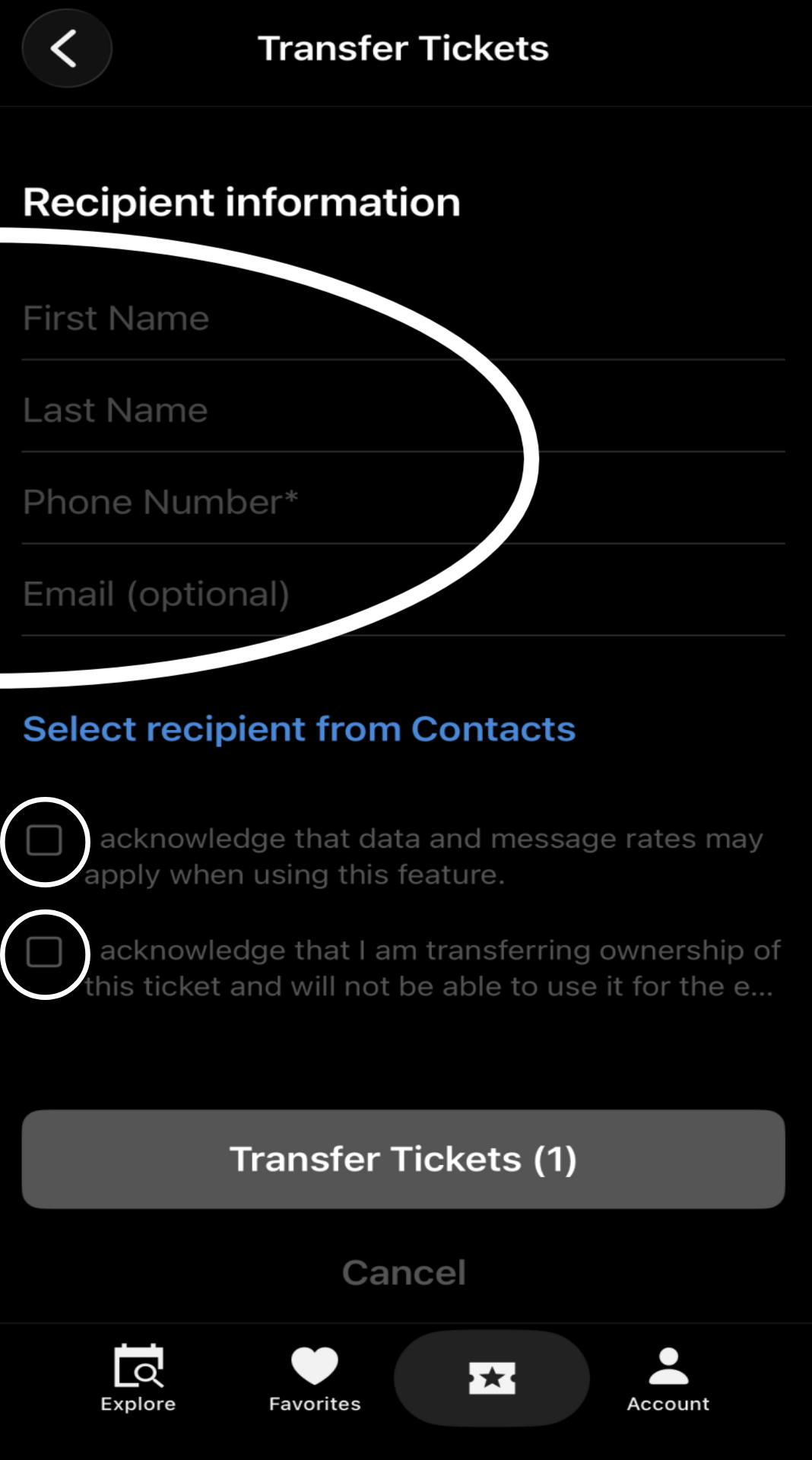
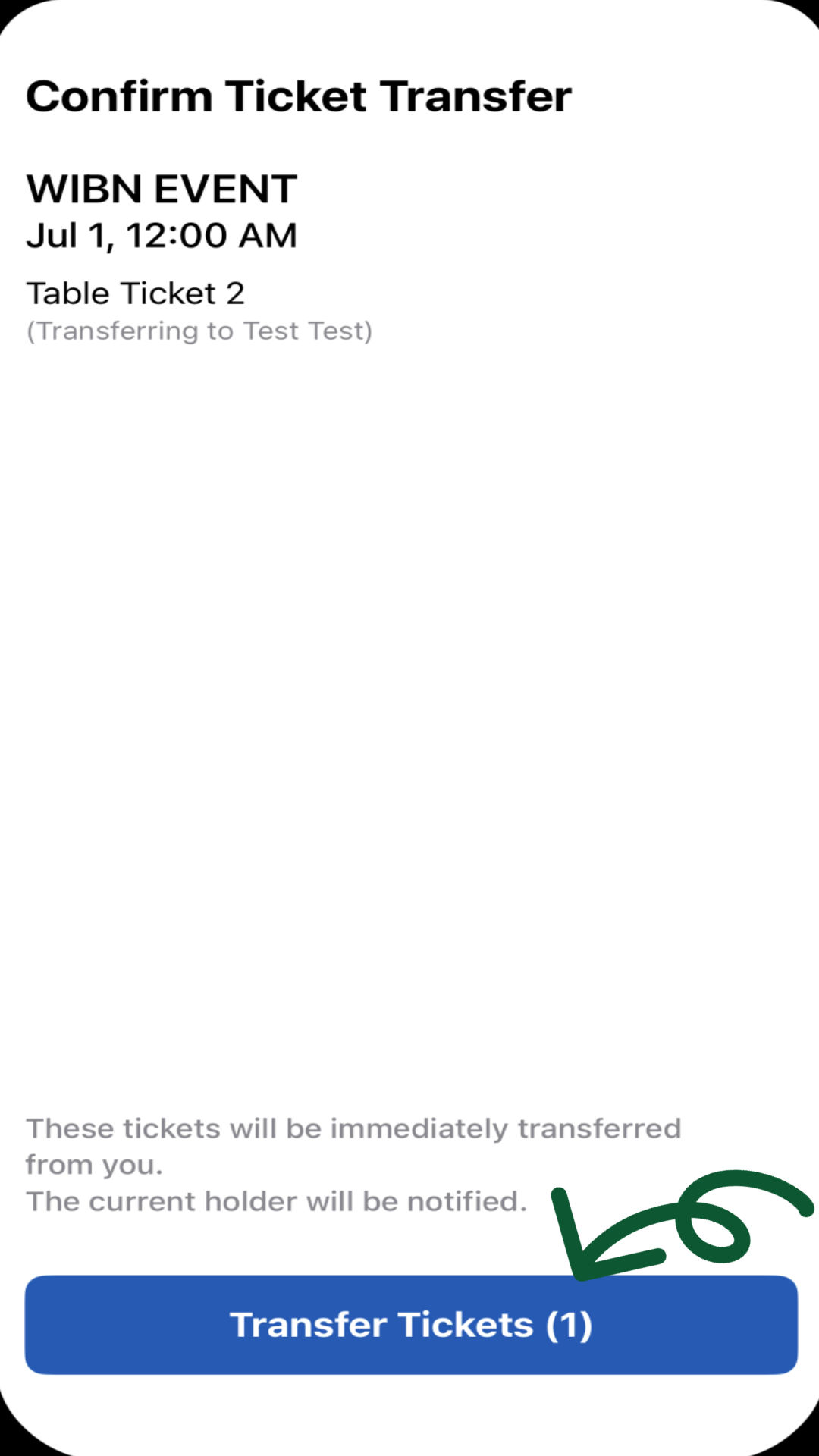
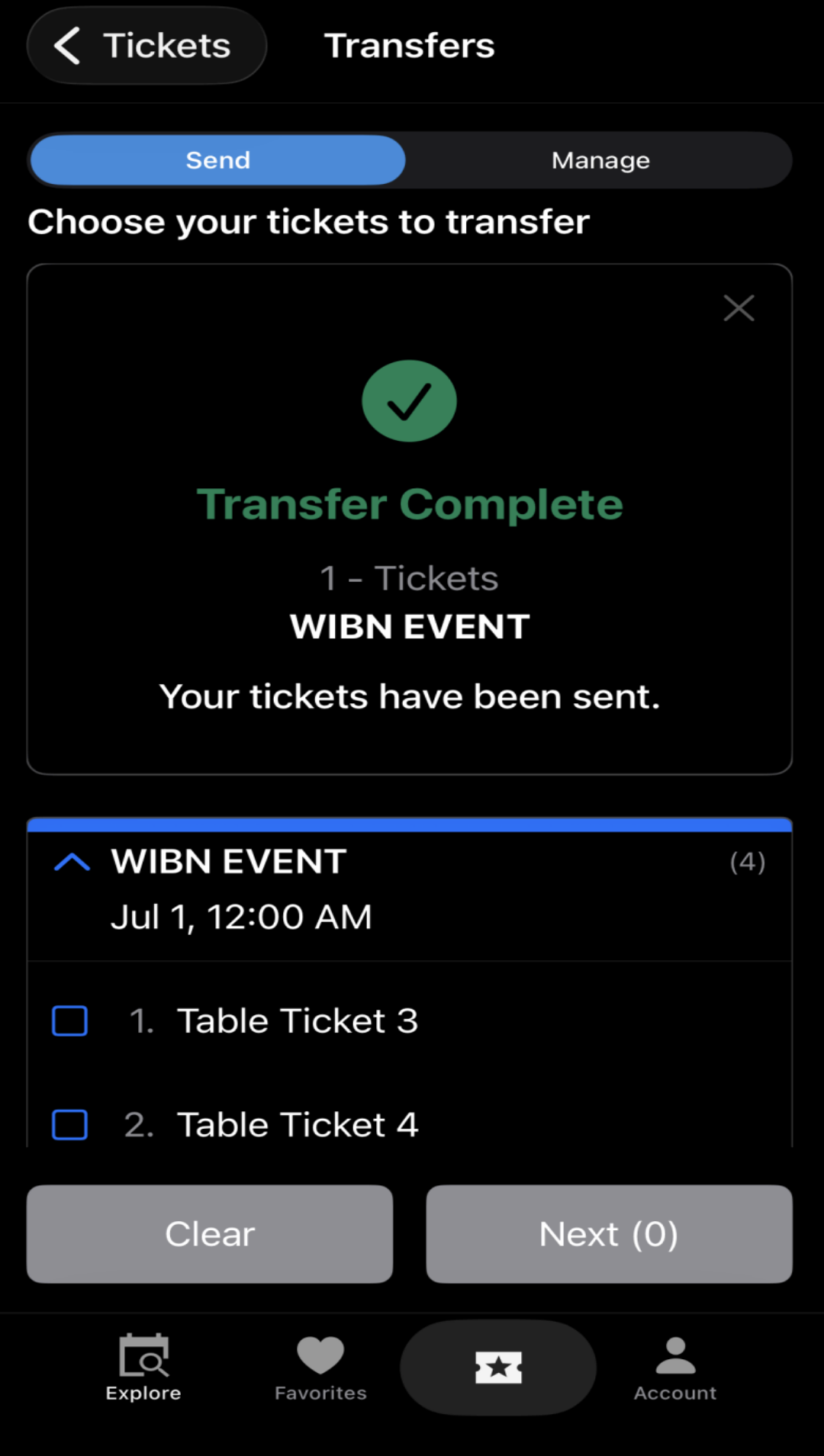
You will also be able to transfer your tickets to a guest, just select “Transfer” in the top right. Pick which ticket you intend to transfer and click the “Next” button on the bottom. Lastly, fill in your guest’s information (*Note, phone number is the only requirement), select the two acknowledgments, then “Transfer Tickets” it will also show how many tickets you are transferring in parentheses.
Reclaim Transferred Tickets
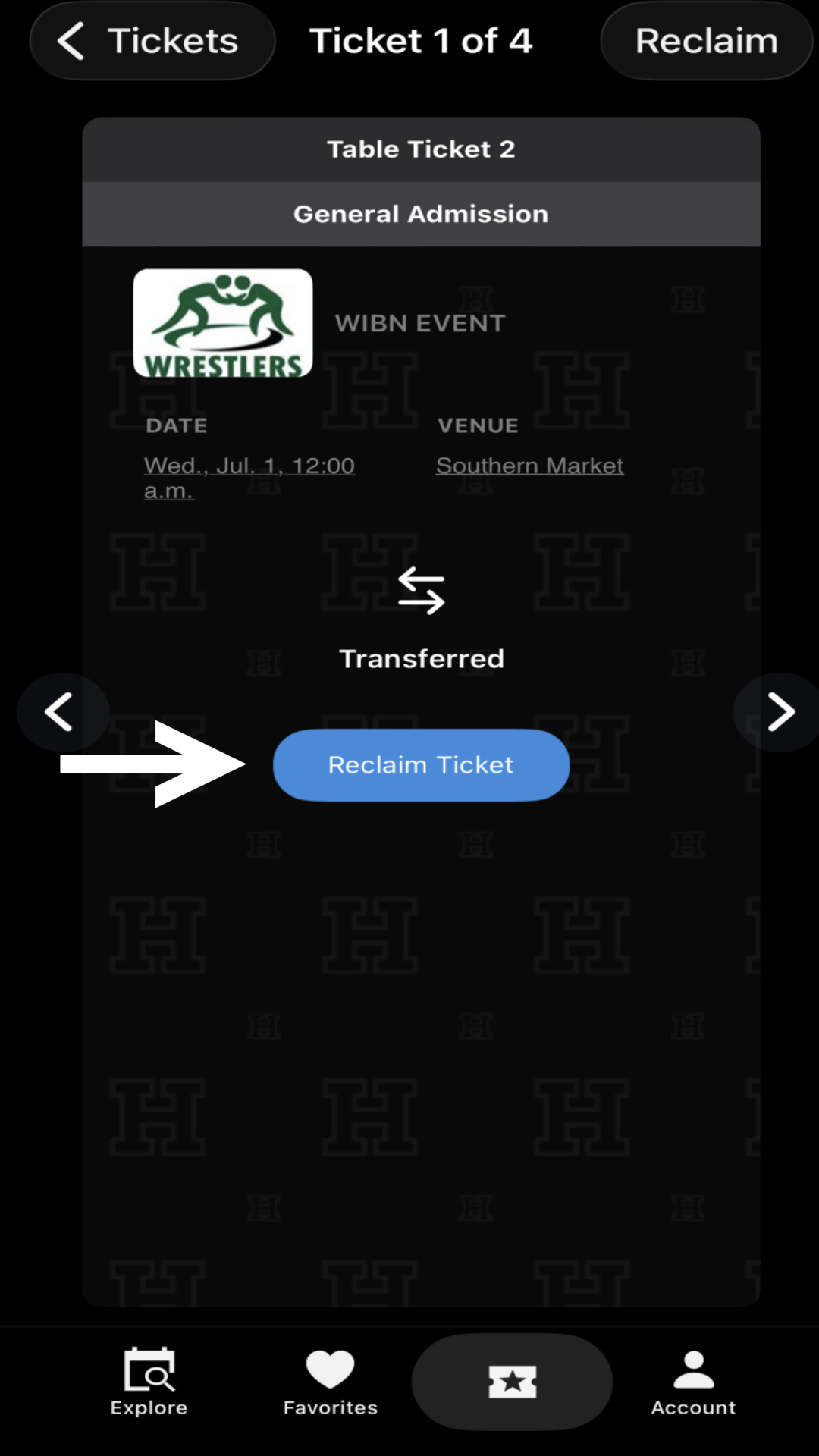
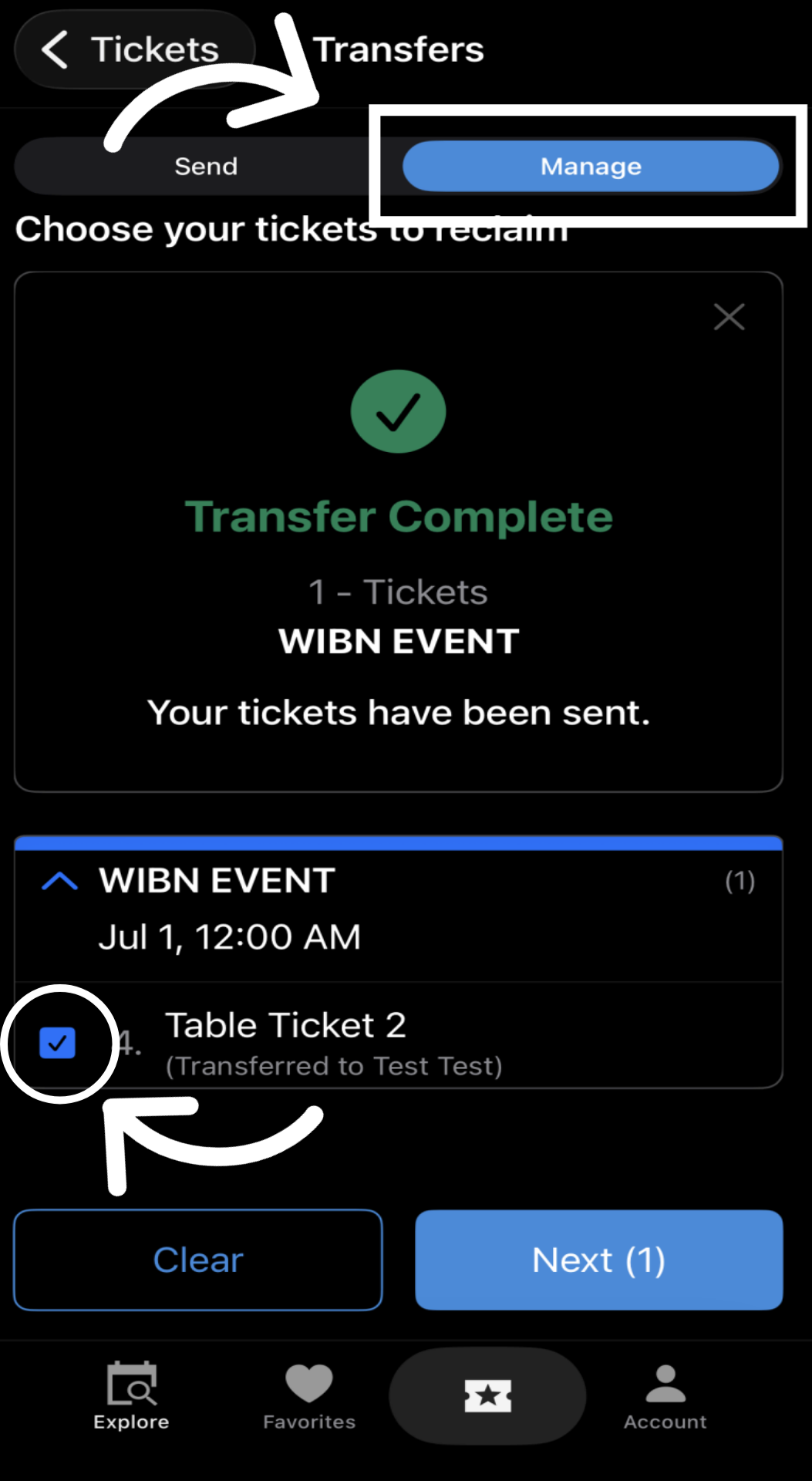
With Hometown Ticketing you also have the ability to reclaim any of your transferred tickets. So, if you have a guest who can’t attend and use that ticket your transferred them, you can reclaim it back without having them do anything.


Add WIBN to your Favorites and Quickly Search Events
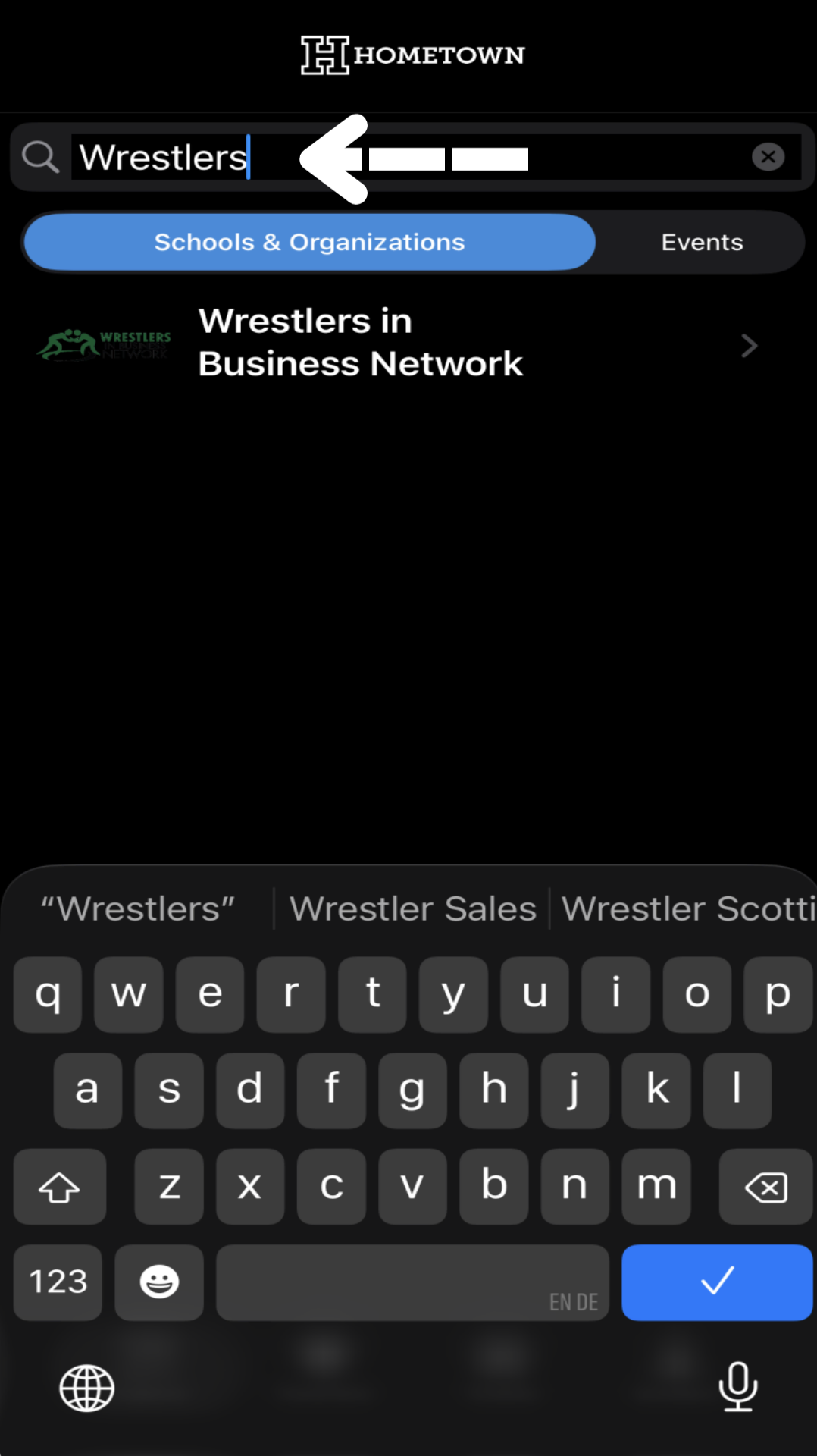
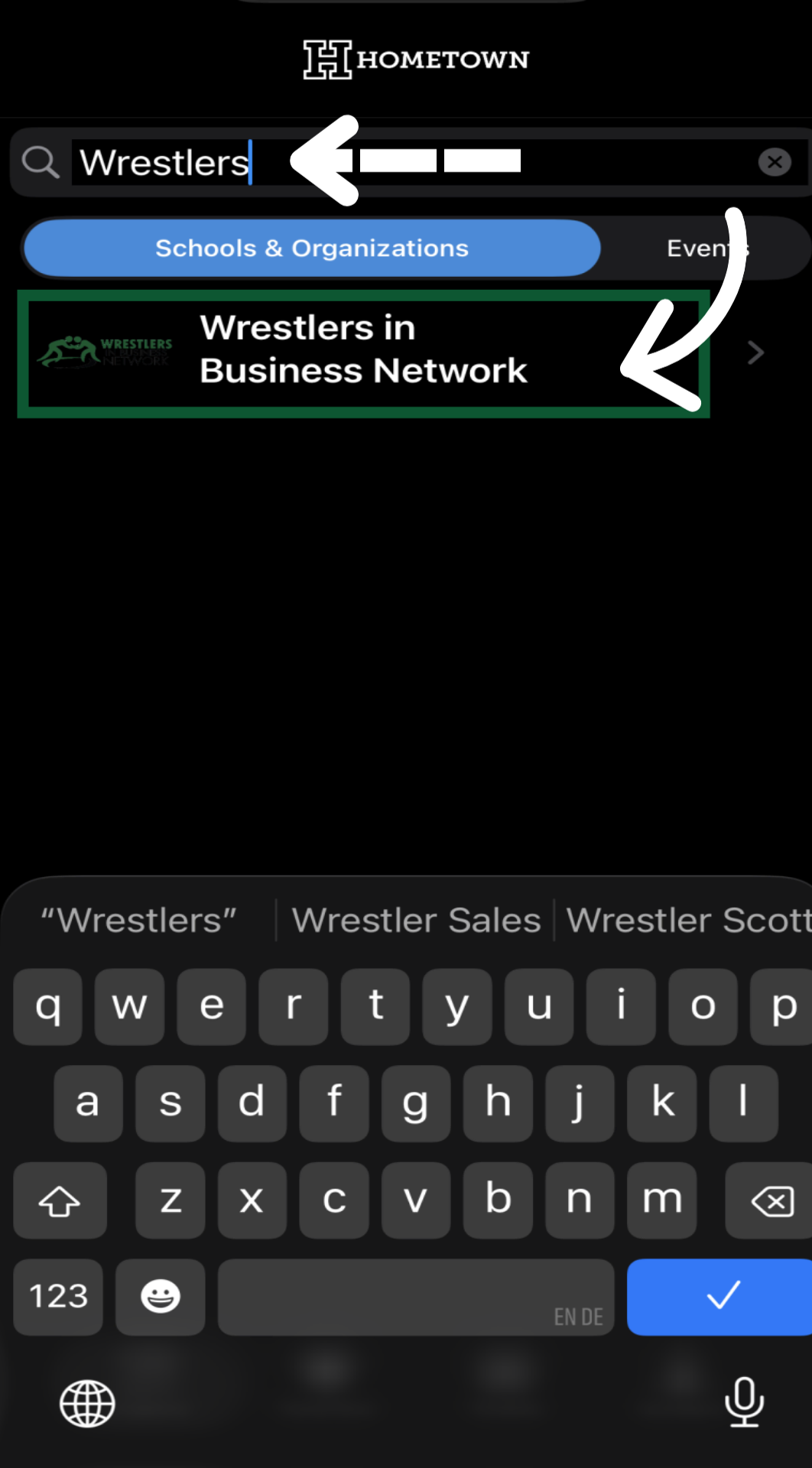
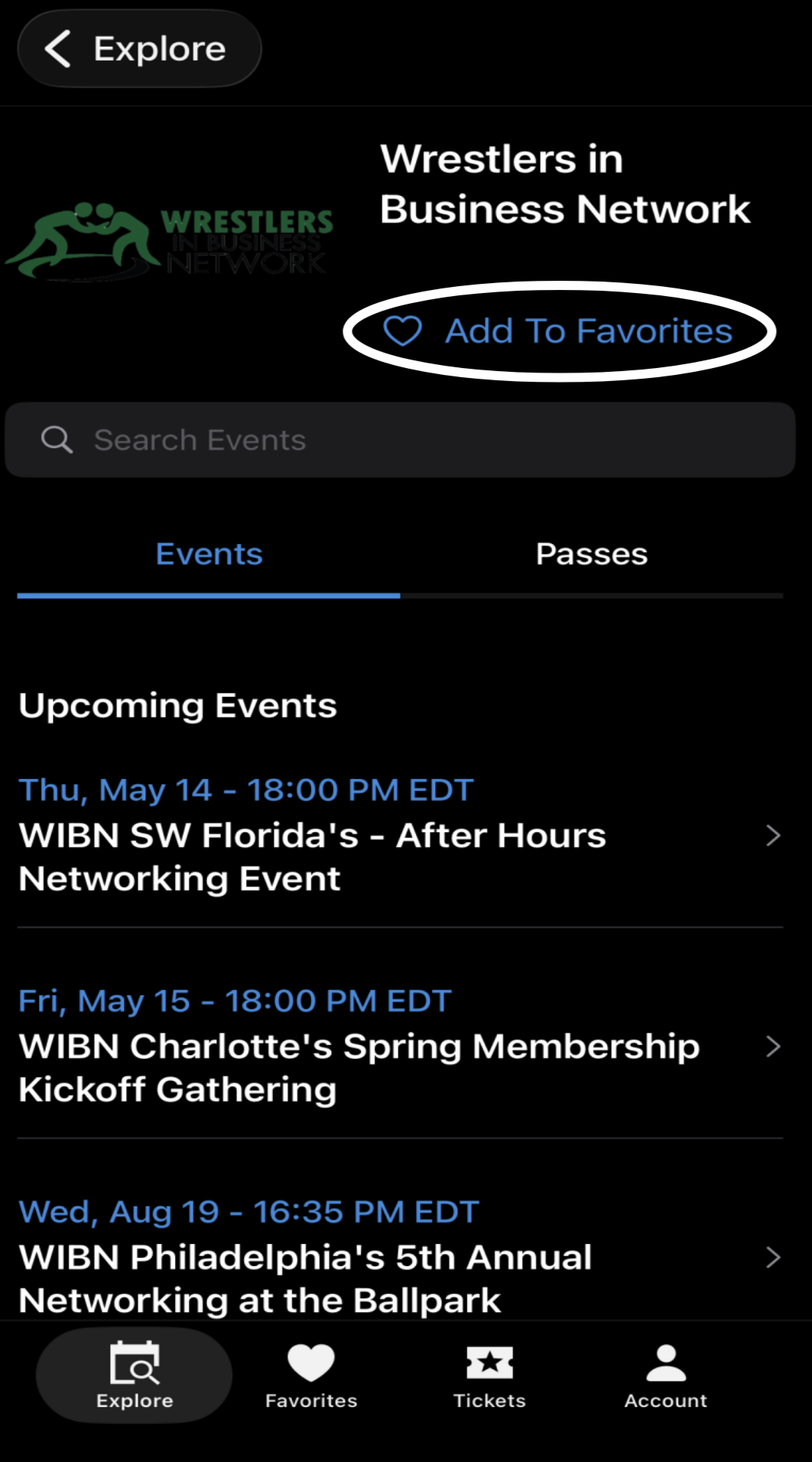
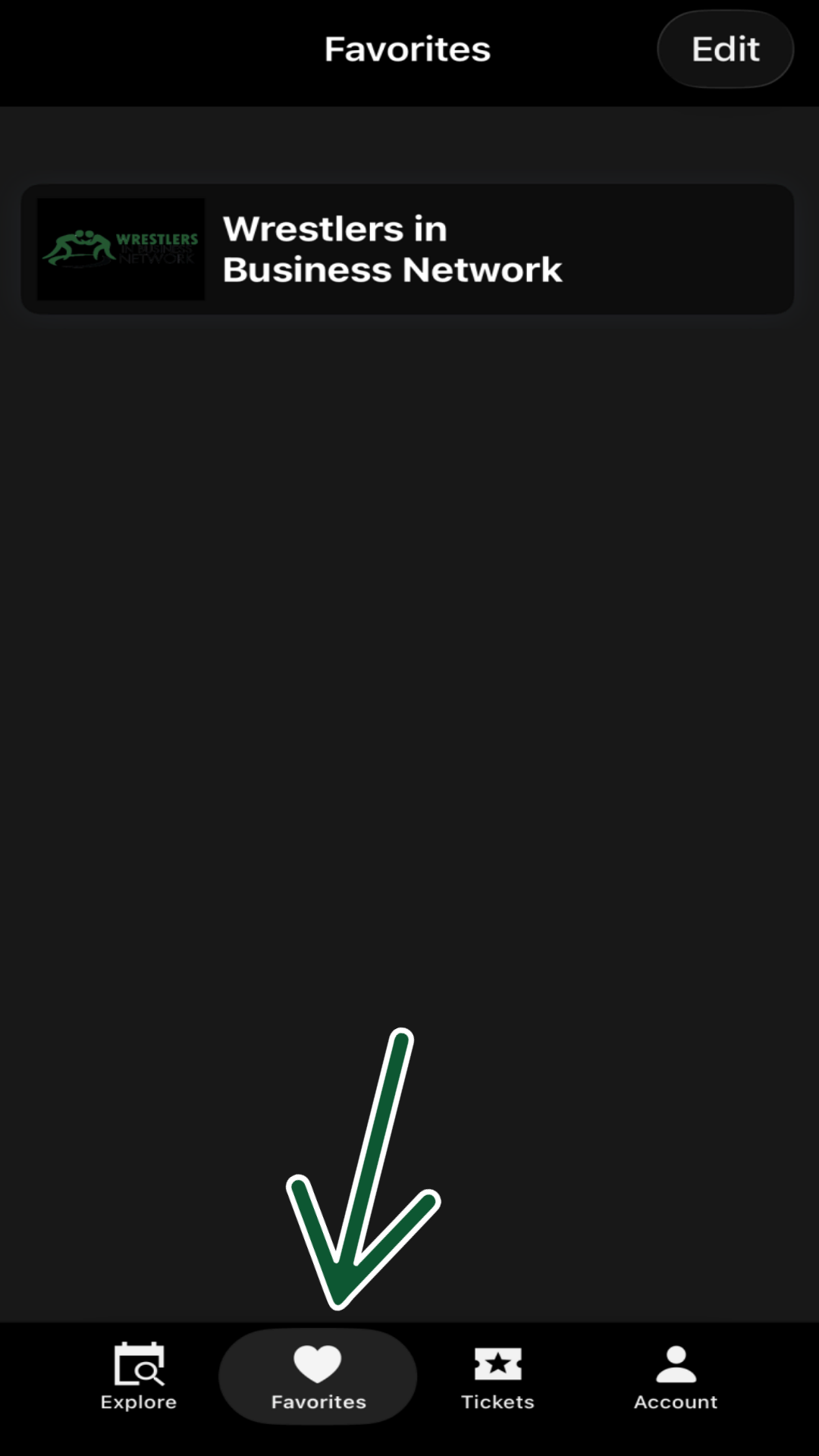
You will also be able to add the Wrestlers in Business Network to your Favorites. Just search for “Wrestlers in Business Network and add to favorites. So, any time you go to the app, you can quickly search WIBN events in your area or across the country.